POS and Inventory Software for Retail Shops in Pakistan: What to Look For
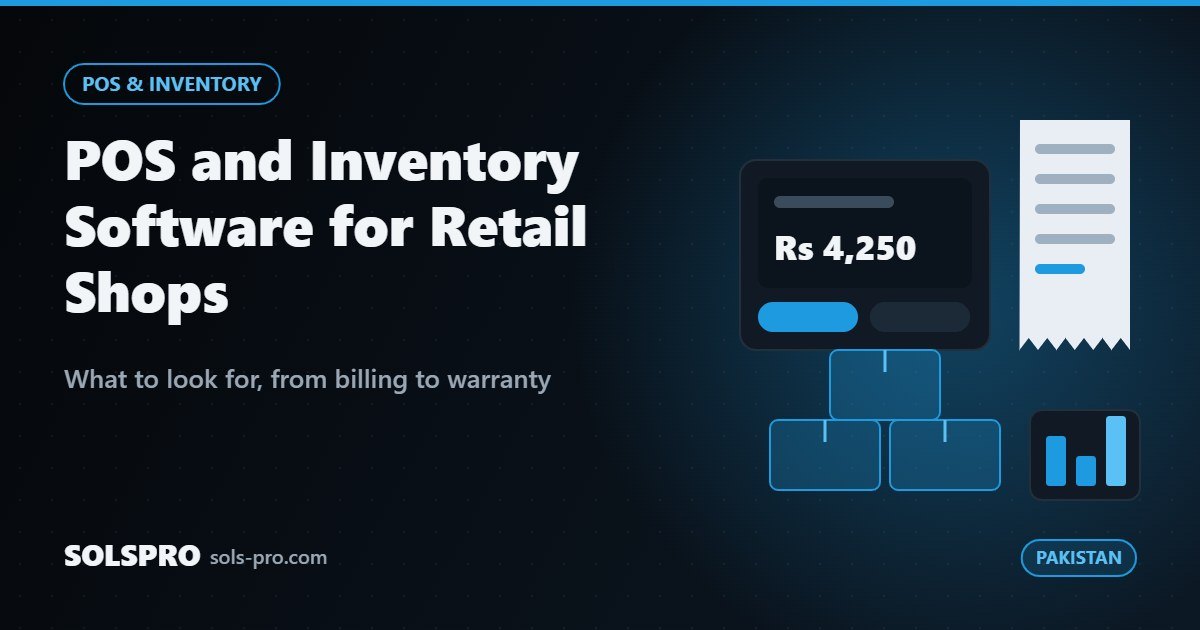
Most retail shops in Pakistan start with a register, a calculator and a notebook. That works until the shop grows: more products, more staff, a second branch, customers asking about warranty, and an owner who cannot be at the counter all day. Good POS software in Pakistan is not just a billing screen. It is the system that tells you what you sold, what you have left, who owes you money and whether the month was actually profitable. This guide covers what a retail shop should look for, based on the retail CRM SOLSPRO built for The Accessories Hub.
What POS software in Pakistan should do on day one
Fast billing at the counter
The counter is where queues form. A sale should take seconds: scan or search the product, adjust quantity or discount, take payment and print or share the receipt. If staff need more than a few taps, they will skip the system on busy days and your stock numbers will drift.
Several payment methods
Customers pay with cash, cards, bank transfer and mobile wallets, and many shops sell on credit to regular customers. The POS should record each method separately so the cash in the drawer matches the screen at closing time, and credit sales show up as balances against the customer.
Receipts customers can keep
A printed or WhatsApp receipt with the shop name, items, prices and warranty terms reduces disputes later. It also makes returns and warranty claims much easier to verify.
Inventory that stays accurate
- Stock updates on every sale, purchase and return, so the number on screen is the number on the shelf.
- Low-stock alerts for fast-moving items, so you reorder before you run out.
- Product variants such as colour, size or model, each with its own stock.
- Purchase records with supplier, cost price and date, so you know your real margin.
- Stock counts that compare what the system expects with what is physically there.
Accurate stock is where most of the money in a retail shop is tied up. Knowing what sells, what sits and what goes missing is often worth more than any other feature.
Returns and warranty
Electronics, mobile accessories and appliances come with returns and warranty claims. Without a system, staff search through old receipts and customers wait. A good POS links each return or claim to the original sale, records the reason, puts returned stock back or marks it as faulty, and shows the owner how many claims each product or supplier generates. In The Accessories Hub CRM, returns and warranty sit in their own module next to sales and inventory for exactly this reason.
Customer demand: what people ask for but you do not stock
One of the most useful features in retail is also one of the simplest: recording what customers asked for when it was not in stock. Over a few weeks this becomes a clear list of what to buy next, based on real requests rather than guesses.
A money ledger, not just a sales report
Sales figures alone do not tell an owner whether the shop made money. A ledger that records cash in, cash out, supplier payments, expenses and customer credit gives the real picture. Owners should be able to see today, this week and this month at a glance, along with top sellers and a short trend chart.
More than one shop or business
Many owners in Pakistan run more than one outlet, or more than one business. Separate software for each means separate logins, separate reports and no combined view. A system built for this lets the owner switch between businesses from one login, while sales, stock and money stay separate for each. This was a core requirement for The Accessories Hub.
FBR and tax readiness
Certain categories of retailers in Pakistan are required to connect their point of sale to the FBR system and issue invoices that carry FBR details. Even if this does not apply to you today, choose software that can record sales tax correctly and could be integrated later. Check the current FBR rules for your business type or ask your tax adviser.
Ready-made POS or custom system?
A ready-made POS is quick to start and fine for a single shop with a simple product list. A custom POS and inventory system makes more sense when you run several branches or businesses, sell products with warranty, need a customer credit ledger, want reports in your own format, or plan to connect an online store later so stock stays in sync. A custom build can grow into a full ERP with purchasing, HR and payroll when you need it.
Questions to ask before you buy
- How many taps does a normal sale take?
- Does it work if the internet drops for an hour?
- Can it handle returns, warranty and customer credit?
- Can I see all my shops from one login?
- Who owns the data, and can I export it?
- What support do I get, and in which hours?
How SOLSPRO can help
SOLSPRO is a software house in Karachi that builds POS, inventory and retail CRM systems for shops and distributors across Pakistan. We start by watching how your counter and stockroom work today, then build a system around it. Read more about our custom CRM work, send us a few lines about your shop, call (021) 3438 0297 or WhatsApp +92 324 2372699.
Frequently asked questions
Can POS software work on a tablet or phone?
Yes. A web-based POS can run on a counter PC, tablet or phone, which is useful for small counters and for owners who want to check figures away from the shop.
Can I move my existing product list into a new system?
Usually yes. Product lists, opening stock and customer balances can be imported from spreadsheets before you go live.
How long does it take to set up a custom POS?
A focused first version with sales, stock and reports can go live in phases, with returns, warranty and multi-branch features added as your team gets used to it.