Website Redesign Checklist: How to Keep Your Google Rankings
A new website should bring in more enquiries, not fewer. Yet many businesses launch a fresh design and then watch their Google traffic drop for weeks or months, because pages moved, content disappeared or technical details were lost along the way. Following a website redesign checklist before, during and after launch protects the rankings you have already earned while you improve the look, speed and structure of the site. This guide walks through the steps we follow on redesign projects, in plain language, so you can use it with any team.
Why redesigns lose rankings
Google ranks individual pages. Each ranking page has built up signals over time: its URL, its content, the links pointing to it and its title. A redesign often changes all of these at once. When an old URL starts returning a 404 error, the links pointing to it stop helping you. When a detailed service page is replaced by a short one with a big image, Google has less reason to rank it. Most of these mistakes can be caught with a checklist.
Before you start: record what you have
The most important work happens before any design is approved. You cannot protect what you have not measured.
1. Crawl and list every URL
Use a crawler or your current sitemap to export every live URL: pages, blog posts, categories, product pages and PDFs. Keep this list in a spreadsheet. It becomes the master list for redirects later.
2. Note your best performers
From Google Search Console and your analytics tool, mark the pages that bring the most clicks, enquiries and sales, and the search queries they rank for. These pages need the most care. Their content should be kept or improved, never cut down.
3. Save titles, descriptions and headings
Export the SEO title, meta description and main heading of each page, so a new template does not overwrite them with defaults.
4. Record your backlinks
List the pages other websites link to. These URLs must either stay the same or redirect cleanly to the closest new page.
During the build: a website redesign checklist for SEO
Once the old site is documented, the build team can work with confidence. These are the checks we run on every redesign.
Keep URLs where you can
The safest redirect is the one you never need. Change URLs only for a real benefit, such as fixing a messy structure or merging duplicate pages.
Map every changed URL to a 301 redirect
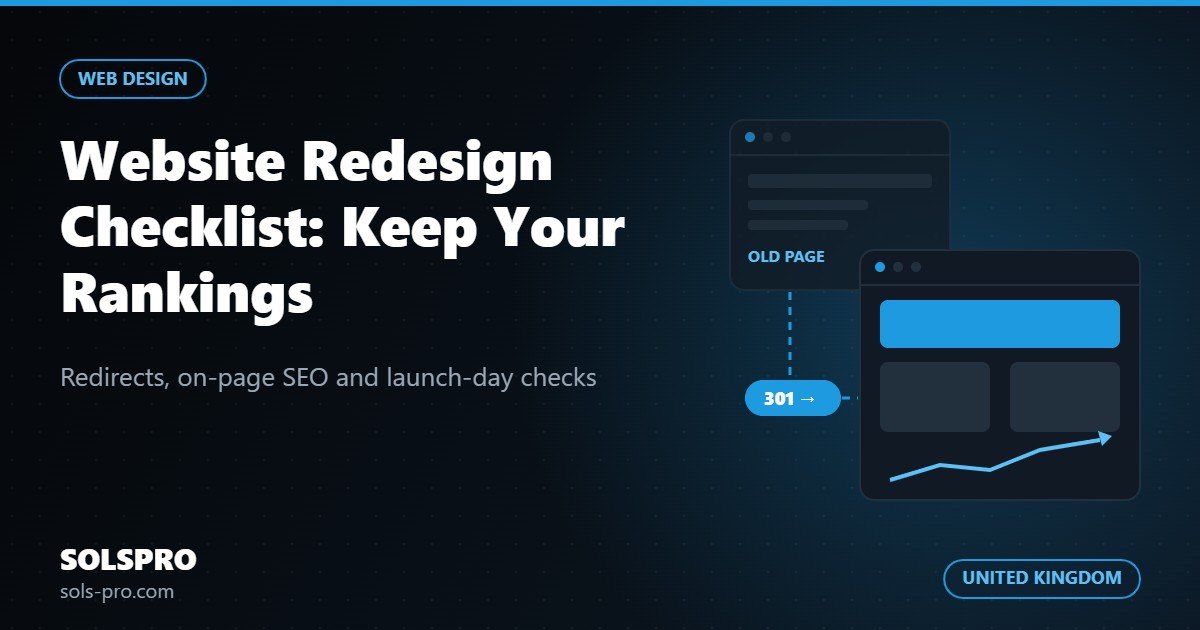
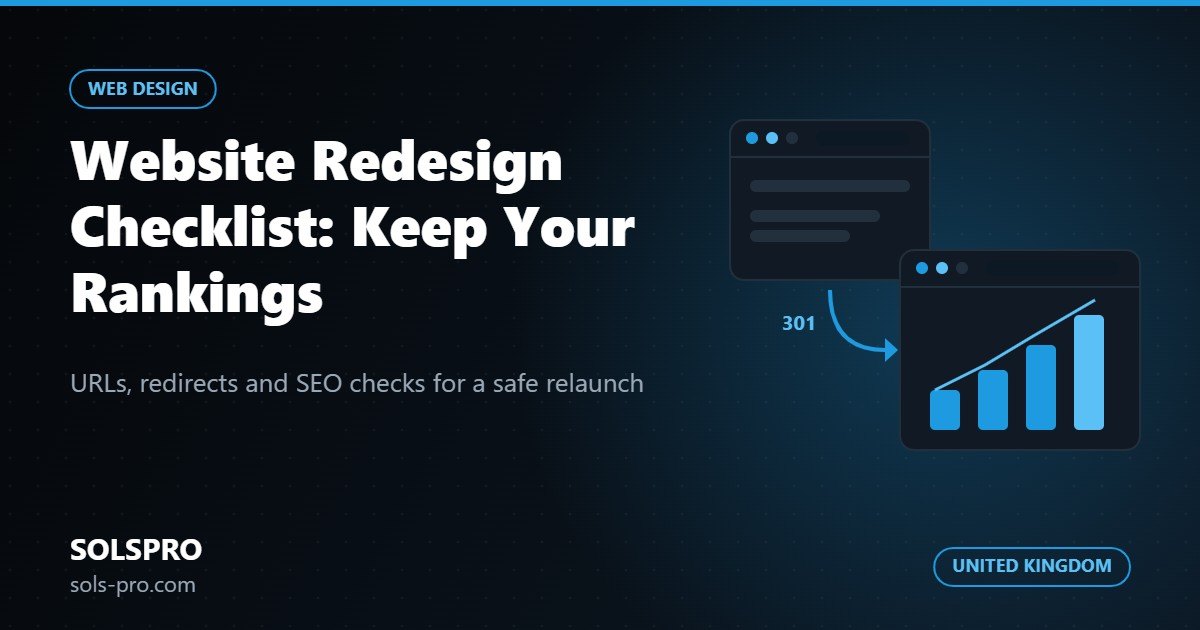
For each old URL that changes, add a permanent (301) redirect to the most relevant new page, not to the home page. Redirecting everything to the home page tells Google the old content is gone. Check that redirects go straight to the final page without chains of several hops.
Carry content across, then improve it
Move the full text of important pages into the new design, then improve it with clearer headings and answers to common customer questions. Avoid hiding key text inside images or sliders.
Keep internal links working
Menus, footers and in-text links tell Google which pages matter most. Make sure your main service pages are linked from the navigation and from related content, and update any links inside blog posts that point to old URLs.
Protect the technical basics
- One H1 heading per page, with a logical H2 and H3 structure below it.
- Unique SEO titles and meta descriptions for every page.
- Canonical tags pointing to the correct version of each page.
- An updated XML sitemap that lists only live, indexable URLs.
- A robots.txt file that does not block the live site. Staging sites are often blocked from search engines, and that setting sometimes gets copied to the live site by mistake.
- Descriptive alt text on images, and compressed image files.
- A fast, usable mobile layout, since Google mainly looks at the mobile version.
- Structured data carried over or added.
- One preferred domain, with www/non-www and http/https versions redirecting to it.
Test on a staging site
Build on a private staging address that search engines cannot index. Before launch, crawl the staging site to catch broken links, missing titles and pages without content, and test the redirect list against it.
Launch day
Launch at a quiet time and keep a backup of the old site. Straight after launch:
- Remove any "noindex" or password protection left over from staging.
- Test a sample of old URLs, starting with your top performers, and confirm each one redirects to the right page.
- Submit the new XML sitemap in Google Search Console and Bing Webmaster Tools.
- Check that your analytics and conversion tracking still fire, including contact forms and call or WhatsApp buttons.
- Request indexing for your most important pages in Search Console.
After launch: the first eight weeks
Small ranking movements in the first few weeks are normal. Check Search Console weekly for new 404 errors, excluded pages and changes in clicks for your top pages, and fix missed redirects quickly. If a key page has dropped, compare it with the old version you saved; often a removed section can simply be put back.
Planning a redesign from the UK?
Our team works from Karachi, four to five hours ahead of the UK, so your mornings overlap with our afternoons. Read more in our guide to outsourcing software development from the UK, or see our software development services for the UK. For the build itself, our website development service covers design, content migration, redirects and technical SEO as one project.
Frequently asked questions
Will my rankings drop after a website redesign?
Some movement in the first few weeks is common, but a lasting drop is usually caused by missing redirects, removed content or technical settings left over from staging. Following a checklist keeps that risk low.
Should I change my URLs during a redesign?
Only when there is a clear reason. Keeping good URLs is the safest option. When you do change them, add a 301 redirect from each old URL to the closest new page.
How long should I monitor the site after launch?
Check closely every week for the first eight weeks, then monthly. Search Console will show new errors, indexing problems and changes in clicks for each page.
Talk to SOLSPRO about your redesign
If you are planning a new website and want to keep the traffic you already have, send us your current site address and we will review it and suggest a safe redesign plan. You can also call (021) 3438 0297 / +92 21 3438 0297 or message us on WhatsApp at +92 324 2372699.