Website Redesign Checklist: Keep Your Rankings
A website redesign is one of the few projects that can quietly undo years of SEO work. New templates, new URLs and rewritten copy often go live on the same day, and a few weeks later the traffic graph drops and nobody is sure why. This website redesign checklist walks through what to do before, during and after launch so you keep your rankings while the site gets a fresh look.
Why a Website Redesign Can Hurt Rankings
Search engines rank individual URLs, not your brand. When a redesign changes those URLs, removes pages, trims content or slows the site down, Google has to re-learn your site from scratch. The common causes of lost rankings are predictable:
- Old URLs return 404 errors instead of redirecting to their new versions.
- Pages that brought in traffic are merged or deleted without a plan.
- Title tags, meta descriptions and headings are lost when content moves to new templates.
- Internal links point to pages that no longer exist.
- The staging site was blocked from search engines, and the block went live with it.
- Heavier images and scripts make the new design slower on mobile.
Before the Redesign: Benchmark and Inventory
1. Record your current performance
Export data from Google Search Console and your analytics tool for at least the last 3 to 6 months: clicks, impressions, top queries, top landing pages and conversions. This is your baseline. Without it you cannot tell whether the new site is doing better or worse.
2. Crawl the existing site
Use a crawler such as Screaming Frog, Sitebulb or a similar tool to list every URL, along with its status code, title, meta description, H1, canonical tag and word count. Add URLs from your sitemap and Search Console, since crawlers only find internally linked pages.
3. Decide what happens to every URL
Mark each page as keep, merge, rewrite or remove. Pages that bring in traffic, leads or backlinks should almost always be kept or merged into a stronger page, not deleted. This spreadsheet becomes your redirect map later.
4. Keep URLs the same where you can
The safest redirect is the one you never need. If the old URL structure is clean, keep it. Change URLs only for a clear benefit.
During the Build: Protect What Works
5. Carry over on-page SEO
Each kept page should move across with its title tag, meta description, single H1, heading structure and main body copy. Cutting copy to fit a new layout can cost a page the topic it ranks for.
6. Build the redirect map
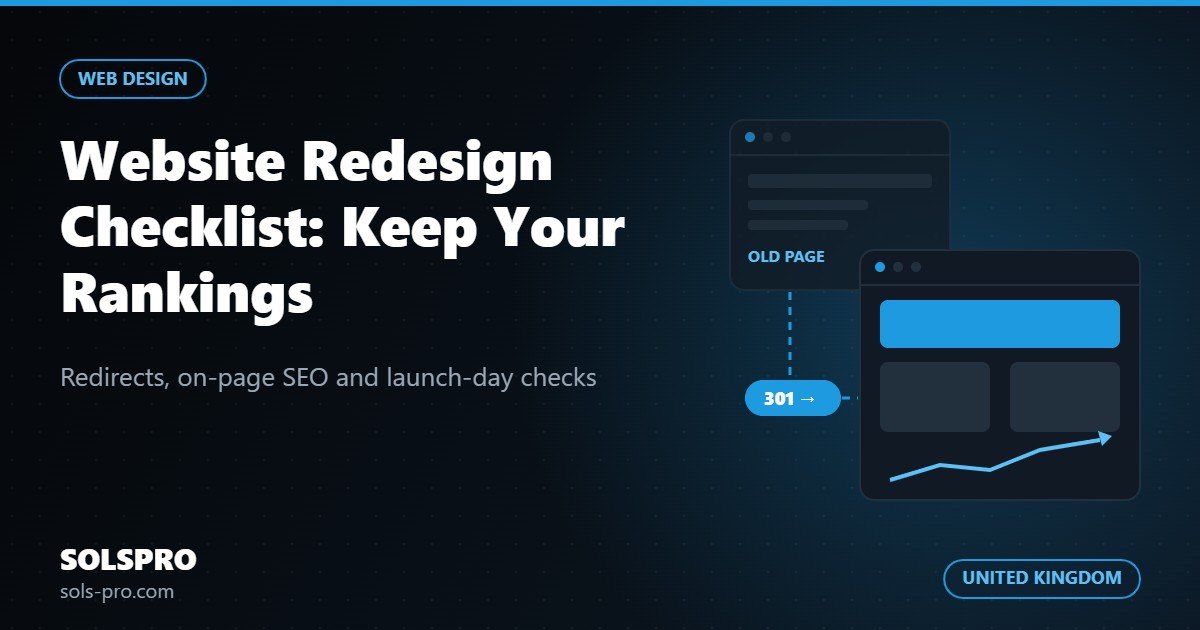
For every old URL that changes, set a permanent 301 redirect to the most relevant new page. Avoid sending everything to the homepage, and avoid chains where one redirect leads to another. Also decide on a single preferred domain (with or without www, always HTTPS) and redirect the other versions to it.
7. Keep the staging site private, then remember to open it
The test site should be blocked with a password or a noindex rule so it does not compete with the live site. Write a reminder in your launch plan to remove that block, because a leftover "Disallow: /" in robots.txt or a sitewide noindex tag is one of the most common redesign disasters.
8. Check speed and mobile layout
Test key templates on a real phone and with PageSpeed Insights before launch. Compress images, use WebP and avoid heavy sliders and unnecessary scripts. A redesign should make the site faster, not slower.
9. Rebuild internal links and structured data
Update menus, footers and in-content links so they point straight to the new URLs rather than through redirects. If the old site used schema markup for your organisation, articles, products or FAQs, make sure the new templates output it too.
Launch Day Checklist
- Remove the staging password or noindex and check robots.txt.
- Activate the 301 redirects and test a sample of old URLs, especially your top landing pages.
- Confirm canonical tags point to the live domain, not the staging address.
- Generate a fresh XML sitemap and submit it in Google Search Console and Bing Webmaster Tools.
- Check that analytics and conversion tracking fire on the new pages and forms.
- Run a full crawl to catch broken links, missing titles and 404 errors.
After Launch: Monitor for 8 to 12 Weeks
Some movement in rankings is normal for the first few weeks while search engines process the changes. What matters is the trend. Compare clicks and impressions against your baseline every week, watch the Pages report in Search Console for new errors, and look at landing pages that lost traffic. Most drops trace back to a missing redirect or removed content.
Working With an Outsourced Team
Many UK businesses run their redesign with an offshore or remote partner. That works well when SEO is part of the brief from day one, not an afterthought. Ask your developer to share the URL inventory and redirect map before the build starts, and agree who signs off on launch. If you are weighing up remote teams, our guide on outsourcing software development from the UK covers how to set up the working relationship.
SOLSPRO is a Karachi-based team that builds and redesigns business websites with SEO handled as part of the process. For UK clients we work remotely with overlapping hours, as Pakistan is 4 to 5 hours ahead of the UK. You can read more about our website development services and how we support UK businesses with software and web development.
Frequently Asked Questions
Will a redesign always cause a drop in rankings?
No. A short period of fluctuation is common, but a well-planned redesign with correct redirects, preserved content and better speed often leads to stable or improved rankings.
How long should I keep 301 redirects in place?
Keep them for as long as possible, ideally permanently. Old URLs can keep backlinks for years.
Should I change my content during a redesign?
You can, but change one major thing at a time where possible. Keep your best-performing pages largely intact at launch, then improve them in stages, so any drop is easy to trace.
Plan Your Redesign With SOLSPRO
Planning a new website and want to keep the rankings you have earned? Talk to the SOLSPRO team about a redesign that protects your SEO from the first wireframe to launch day. Contact us, call (021) 3438 0297 / +92 21 3438 0297, or message us on WhatsApp at +92 324 2372699.